

The “Predefine Topic Editor” is a feature that allows administrators to set up predefined questions for easy use. Admins can input a predefined name and prompt, which users can then easily access and use on the assistant chat page. This feature streamlines the process of asking common questions, making it more efficient for users to interact with the assistant.
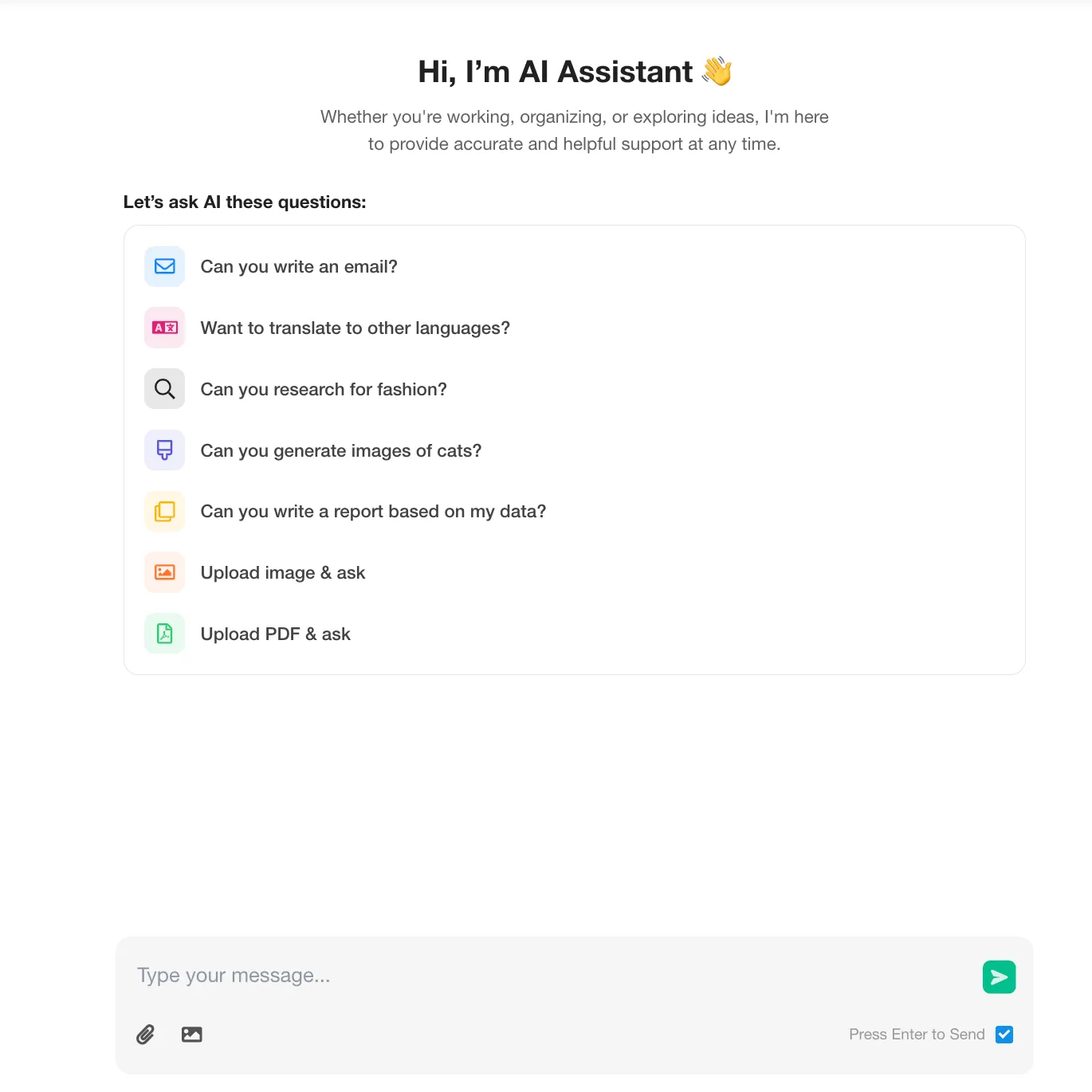
How to Setup Predefined Topic
Section titled “How to Setup Predefined Topic”- Go to Assistants menu in Admin Panel
- Select the created assistant that want to add predefined question
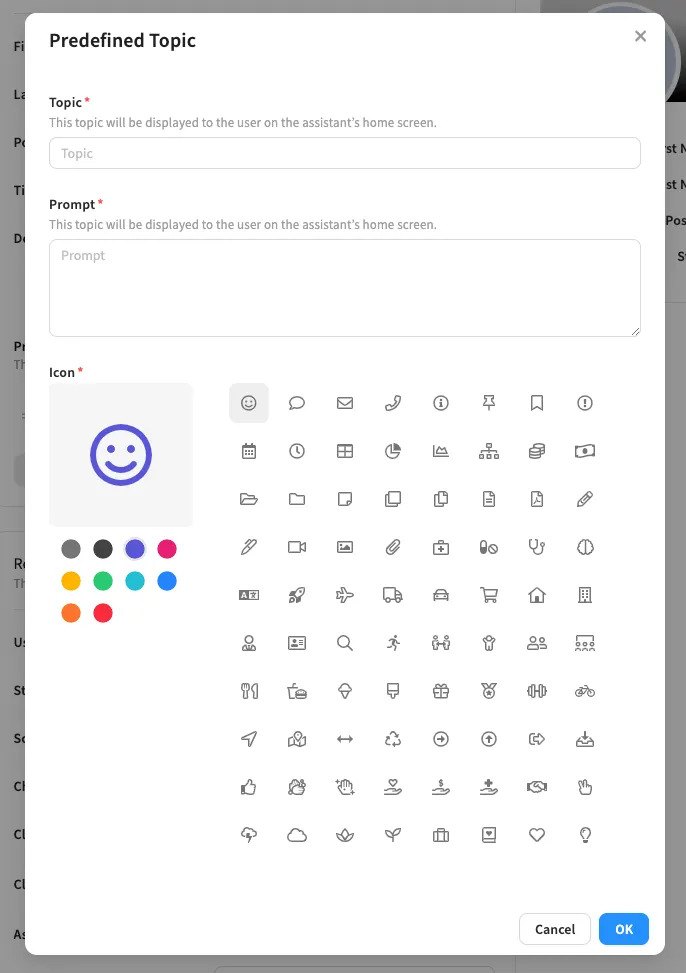
- Click Add predefined topic
- Input topic name
- Input prompt question for predefined
- Select the Icon to display on user side
Was this page helpful?
Thank you for your feedback!